Farm Management App vs Desktop: What Changes When You Log From the Field
A farm management app changes how records get made. Here's what improves — and what to watch for — versus desktop.
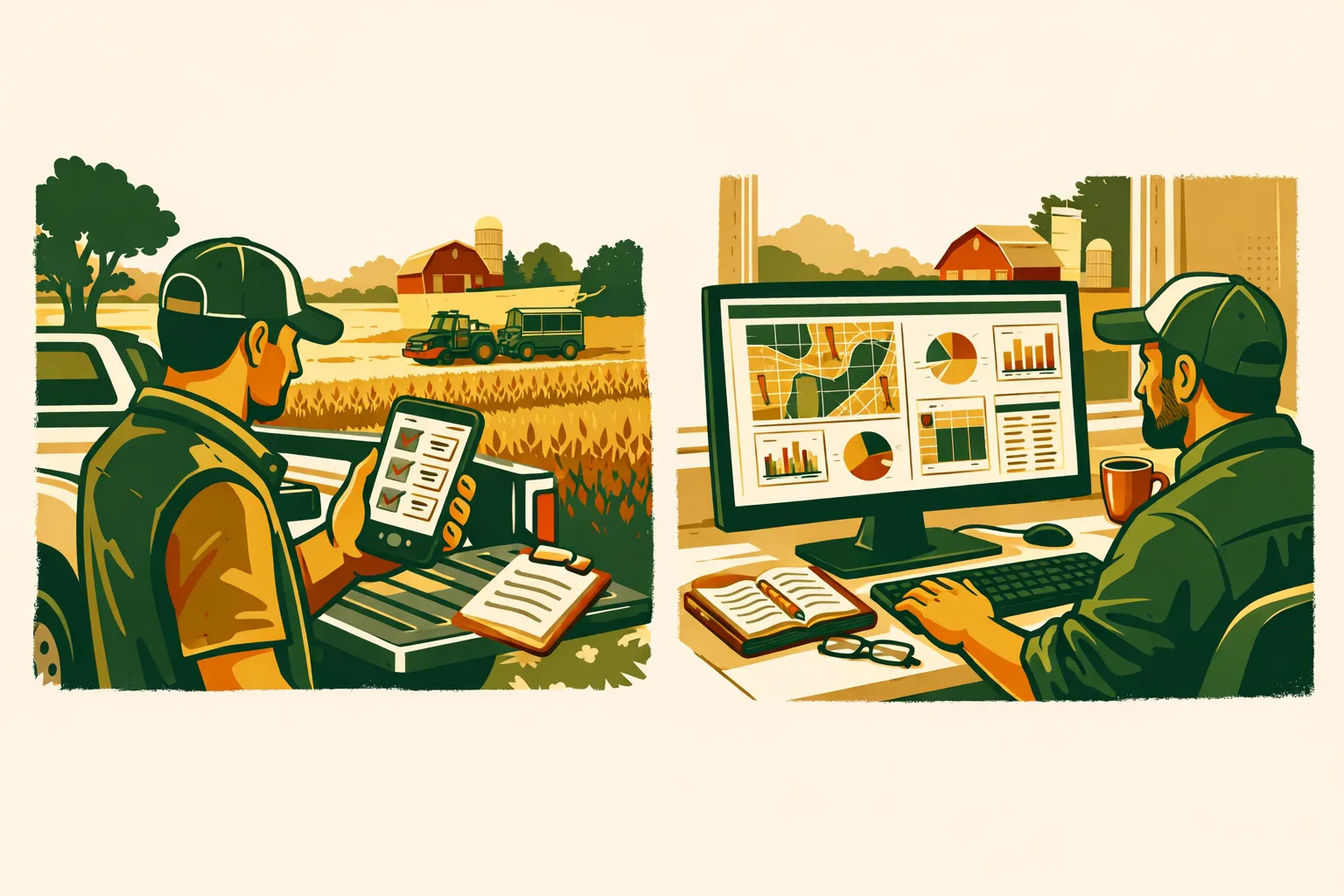
Farm operations have dramatically evolved with the integration of technology, and the shift from desktops to mobile apps has become a pivotal change. Being able to log data directly from the field using a farm management app can significantly enhance efficiency. But what exactly changes when you move from a desktop setup to using a mobile app in the field? Let’s dive into the tradeoffs, including offline logging, photo capture, and synchronization, and see how FarmsFlo mobile can transform these tasks.
The Shift from Desktop to Mobile in Farm Management
Increased Mobility and Accessibility
The most apparent advantage of using a farm management app over a desktop is mobility. With mobile devices, you can carry your entire farm management system in your pocket. This mobility allows you to access and input data directly from the field, reducing the need for extensive note-taking and manual data entry later on.
Real-Time Data Entry
Logging data in real-time as you observe conditions in the field ensures accuracy and immediacy. This capability is particularly valuable for monitoring crop health, recording pest sightings, or noting equipment issues. Real-time data entry reduces the risk of forgetting details or misplacing notes, which can occur when relying solely on a desktop-based system.
Offline Capabilities
A significant advantage of mobile apps is their ability to function offline. Many areas of large farms might not have reliable internet access. A well-designed farm management app can allow you to log data offline and sync it once you regain connectivity. This feature ensures that no data is lost due to connectivity issues, a common limitation with desktop systems that require a constant internet connection.
Functional Comparison: Desktop vs Mobile
| Feature | Desktop | Mobile App |
|---|---|---|
| Mobility | Stationary, office-bound | Portable, field-accessible |
| Data Entry | Manual, often post-field visit | Real-time, on-site |
| Internet Dependence | Requires consistent connection | Works offline, syncs when online |
| Photo Capture | Requires separate camera/device | Integrated camera for instant capture |
| Syncing | Manual download and upload | Automatic, seamless syncing |
Photo Capture and Integration
Capturing photos is another area where mobile apps shine. With a desktop system, taking photos to document field conditions requires a separate camera, later transferring those images to a computer. In contrast, a mobile farm management app can use the device’s built-in camera, allowing you to capture and immediately attach photos to specific records. This integration simplifies documentation and enhances the richness of your data with visual evidence.
Syncing and Updating
Mobile apps typically offer seamless synchronization across devices, ensuring that changes made in the field are reflected in your overall farm management system in real time. This automatic syncing eliminates the need for manual data transfers, reducing the potential for errors and ensuring that all team members have access to the most current information.
Practical Checklist: Optimizing Your Farm Management App Use
- Choose a Reliable App: Ensure the app you select has robust offline capabilities and strong syncing features.
- Train Your Team: Conduct training sessions to familiarize your team with the app’s functionalities.
- Test Offline Features: Verify that the app allows data to be logged and stored offline efficiently.
- Integrate with Equipment: Check if the app can connect to your farm equipment for automated data logging.
- Regular Updates: Keep the app updated to benefit from the latest features and security improvements.
- Set Up Notifications: Use app notifications to remind you of tasks and deadlines.
- Backup Data: Regularly back up your data to prevent loss in case of device failure.
Considerations for Large-Scale Operations
For farms operating on a large scale, the transition to mobile apps can seem daunting, but the scalability of these apps can accommodate operations of all sizes. Key considerations include:
- Network Infrastructure: Evaluate your current internet coverage and invest in expanding it if necessary to support mobile operations.
- Device Durability: Choose devices capable of withstanding field conditions, such as water-resistant phones or tablets.
- Data Security: Ensure that the app offers strong data protection features, including encryption and secure cloud storage.
How FarmsFlo Helps
FarmsFlo provides a comprehensive farm management app designed to optimize your operations, whether on a 50-acre plot or a sprawling 5000-acre farm. The app offers:
- Offline Logging: Efficiently log data without an internet connection, with automatic syncing when back online.
- Integrated Photo Capture: Use your device’s camera to document field conditions instantly.
- Seamless Syncing: Ensure all team members have access to up-to-date information, no matter where they are.
- User-Friendly Interface: Simplify training and daily use with an intuitive design.
Ready to transform your farm management process? Start a free trial with FarmsFlo here and take your operations to the next level.