Crop Management Software for Diversified Farms: A Field-by-Field Setup
How to set up crop management software on a diversified farm — field by field, rotation by rotation.
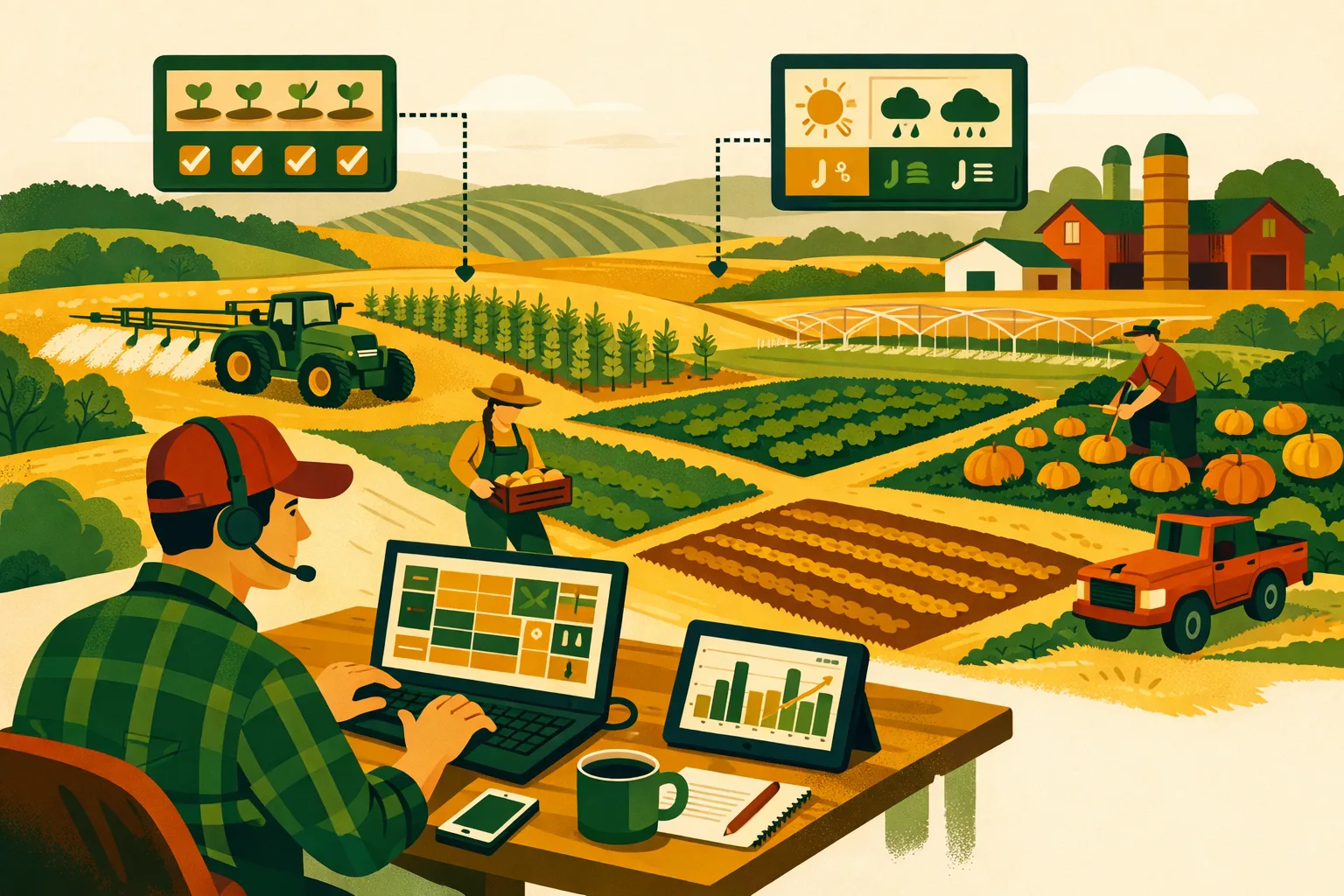
In the rapidly evolving world of agriculture, diversified farms face unique challenges that demand precise and adaptable management strategies. Leveraging crop management software can revolutionize how you approach field-by-field planning, rotations, and inputs. This guide will walk you through setting up a comprehensive crop management system tailored to the needs of mixed operations using advanced tools like FarmsFlo.
Understanding the Complexities of Diversified Farms
Diversified farms, which often juggle multiple crops, livestock, and varied land use, require a multifaceted approach to management. Unlike monoculture operations, diversified farms need to consider crop rotations, soil health, pest control, and resource allocation across different types of crops and fields. Crop management software serves as an essential tool, offering detailed insights and streamlined processes to manage these complexities effectively.
Step-by-Step Guide to Setting Up Crop Management Software
1. Mapping Your Fields
Why Field Mapping Matters
Field mapping is the foundation of any crop management system. It allows you to visualize your farm’s layout and manage resources more efficiently. Accurate maps help in tracking soil conditions, planning rotations, and monitoring crop health.
How to Create Detailed Field Maps
- Collect Data: Gather GPS data and existing maps of your farm. Use drones or satellite imagery for precise measurements if available.
- Define Boundaries: Clearly mark each field’s boundaries, taking note of natural features and infrastructure.
- Input Data into Software: Enter your collected data into the crop management software. FarmsFlo provides easy-to-use tools for importing maps and setting up field boundaries.
2. Planning Crop Rotations
The Importance of Crop Rotations
Crop rotation is crucial for maintaining soil fertility and minimizing pest and disease pressure. For diversified farms, planning rotations can be complex but immensely beneficial.
Steps for Effective Crop Rotation Planning
- Analyze Soil and Crop Data: Use your software to assess soil health indicators and historical crop performance.
- Set Rotation Goals: Determine objectives such as improving soil health, reducing pest cycles, or optimizing yield.
- Design Rotations: Utilize FarmsFlo’s crop planning module to draft rotation plans. Consider factors like crop families, planting schedules, and fallow periods.
3. Managing Inputs Efficiently
Optimizing Input Use
Efficient input management is key to maximizing yields while minimizing costs and environmental impact. Crop management software can help forecast input needs and track usage.
Input Management Workflow
- Inventory Assessment: Regularly update your inventory of seeds, fertilizers, and pesticides in the software.
- Forecasting Needs: Use historical data and predictive analytics to anticipate future input requirements.
- Application Tracking: Record all input applications in the system to ensure compliance and optimize usage. FarmsFlo’s input tracking feature allows for detailed recording and analysis of input applications.
Comparison Table: Traditional vs. Software-Based Crop Management
| Aspect | Traditional Approach | Software-Based Approach (e.g., FarmsFlo) |
|---|---|---|
| Field Mapping | Manual sketches, physical markers | Digital maps, GPS integration |
| Crop Rotation Planning | Paper records, trial and error | Data-driven, predictive analytics |
| Input Management | Manual logs, estimation | Automated tracking, precise forecasting |
| Data Analysis | Limited, isolated data points | Comprehensive, integrated insights |
| Decision-Making | Experience-based, subjective | Evidence-based, objective |
Checklist for Setting Up Your Crop Management Software
- Collect and Organize Field Data: Ensure you have accurate measurements and maps.
- Input Data into Software: Set up fields and boundaries in the system.
- Analyze Soil and Crop Data: Enter soil tests and historical crop performance.
- Plan Crop Rotations: Use software tools to design effective rotation schedules.
- Manage Input Inventory: Regularly update and track inputs in the software.
- Monitor Crop Health: Use integrated tools for ongoing crop health assessments.
- Train Staff: Ensure all team members are proficient in using the software.
How FarmsFlo Helps
FarmsFlo offers comprehensive solutions tailored to the needs of diversified farms. With tools for field mapping, crop rotation planning, and input management, FarmsFlo simplifies complex operations, enabling you to make data-driven decisions with ease. The platform’s user-friendly interface and robust analytics ensure that you can optimize every aspect of your farm’s operations.
Ready to streamline your farm management processes? Start your FarmsFlo trial today and experience the difference a well-integrated crop management system can make. Visit farmsflo.com to get started.